This post was translated from Korean into English by AI.
Now that my Software Maestro activities have begun in earnest, I have become eligible for a device allowance of KRW 2 million. I used it to purchase a MacBook Air and a test server, and I would like to share my experience with the test server as well as unbox it. Of course, since I was not paying for it with my own money, I did not worry about value for money and bought the highest-spec configuration available within the budget. As a result, others may feel that it is not particularly cost-effective.
To get straight to the point, I am very satisfied with it.
Just in caaaase, let me emphasize this again: I purchased this device with the device allowance provided as part of the Software Maestro program. I received absolutely no support from the manufacturer or distributor.
Product Description
The product I purchased was the ASUS MiniPC PN50 Ryzen 7 4700U M2 (32GB, M2 2TB), with the following specifications:
- Ryzen 7 4700U CPU (8 Core)
- 32GB DDR4 RAM
- 2TB SSD
- USB 3.0
- USB 3.2 Gen1
- USB Type-C
- No OS
It was KRW 1.05 million if paid in cash when I bought it, but the price has already gone up.
Unboxing
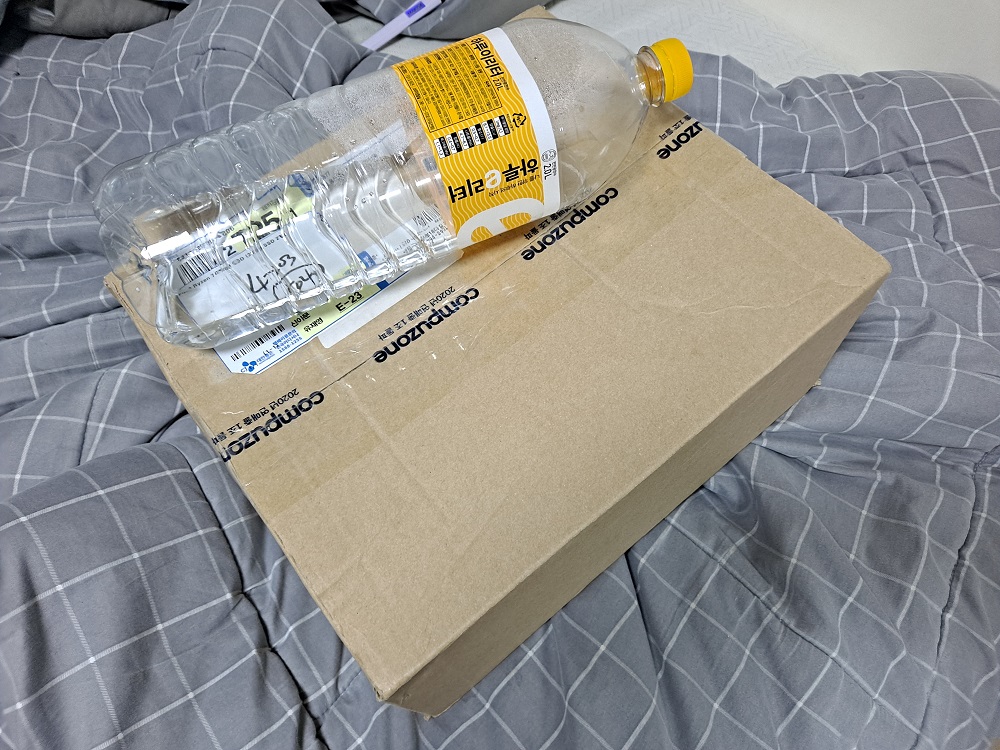
First, it was delivered in packaging that was very large and impressive compared to the actual size of the product.
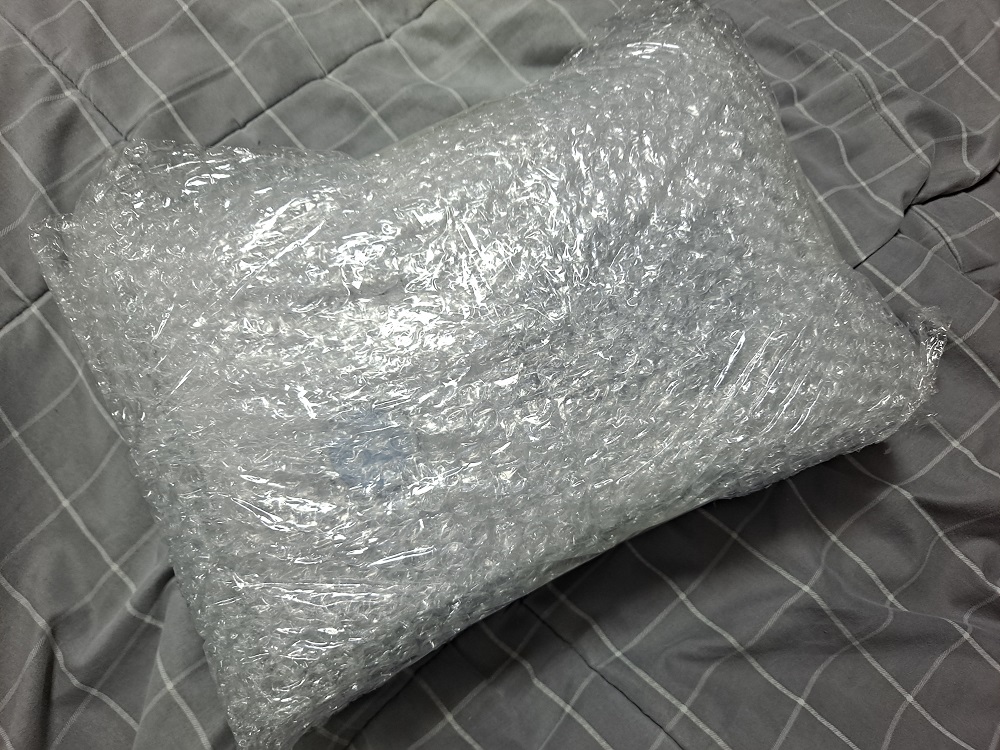
Inside was a box practically suffocating in bubble wrap.
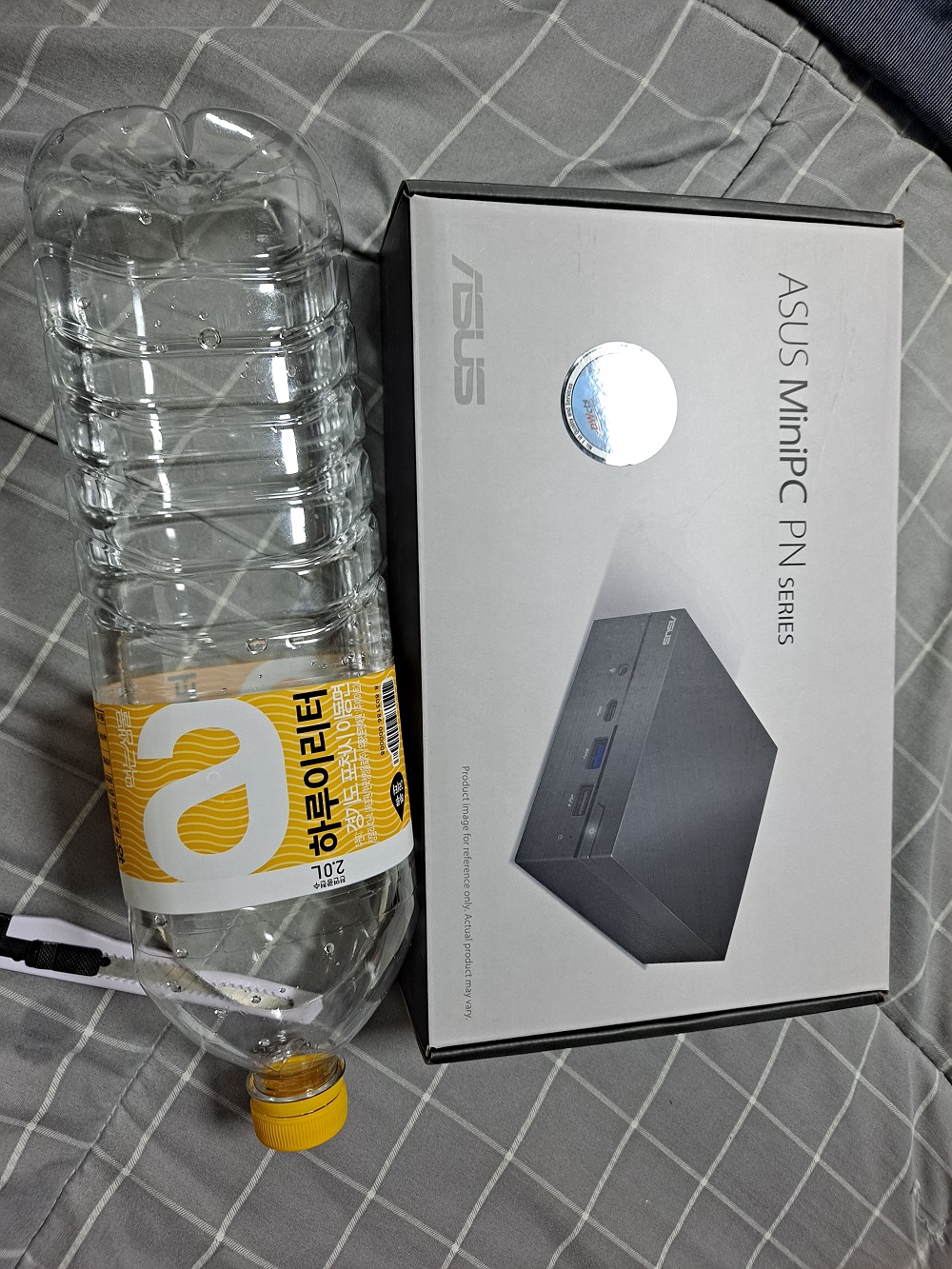
There was only one product box inside the bubble wrap.
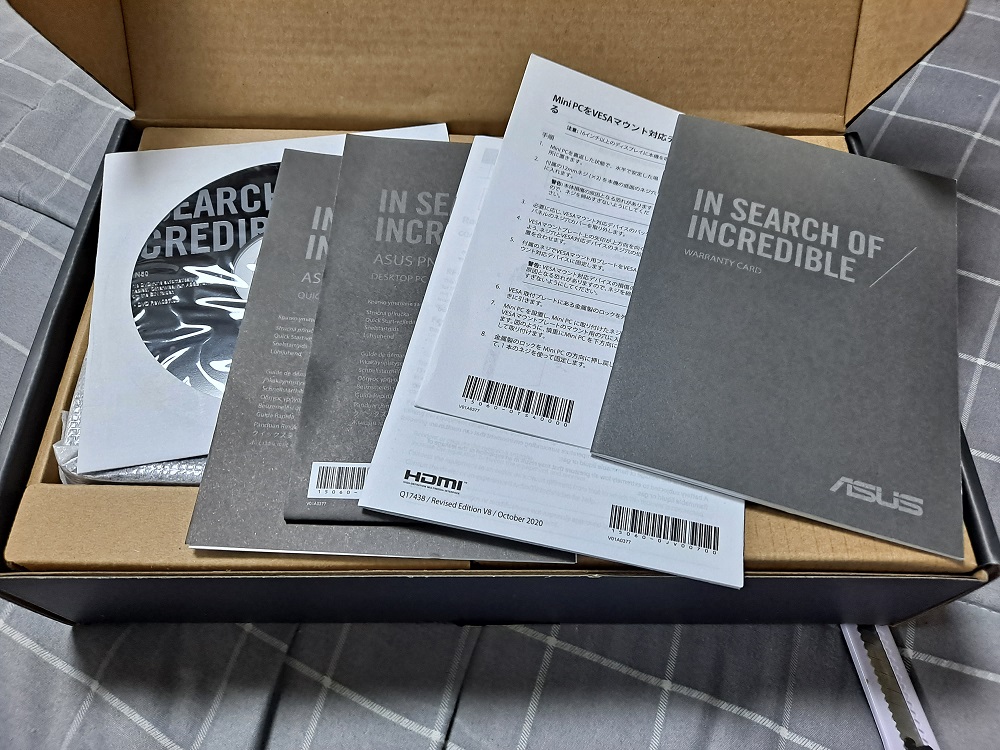
When I opened the box, I found a huge number of manuals and a CD. After removing them, the main unit was wrapped in plastic on the left, while the compartment on the right was covered. I have no idea what the CD contained and never had any reason to use it, and all the manuals covered simple things. For example, they explained how to connect a keyboard, mouse, monitor, adapter, and so on, and how to turn the device on. I suppose they must have had a lot of customers complain that it did not work without making even the basic connections.
The user manual included a few precautions, but most of them were obvious: do not spill water on it, use a genuine coin-cell battery, make sure the coin-cell battery is inserted in the correct direction... These, too, gave me a sense of the hardships faced by the customer support team.
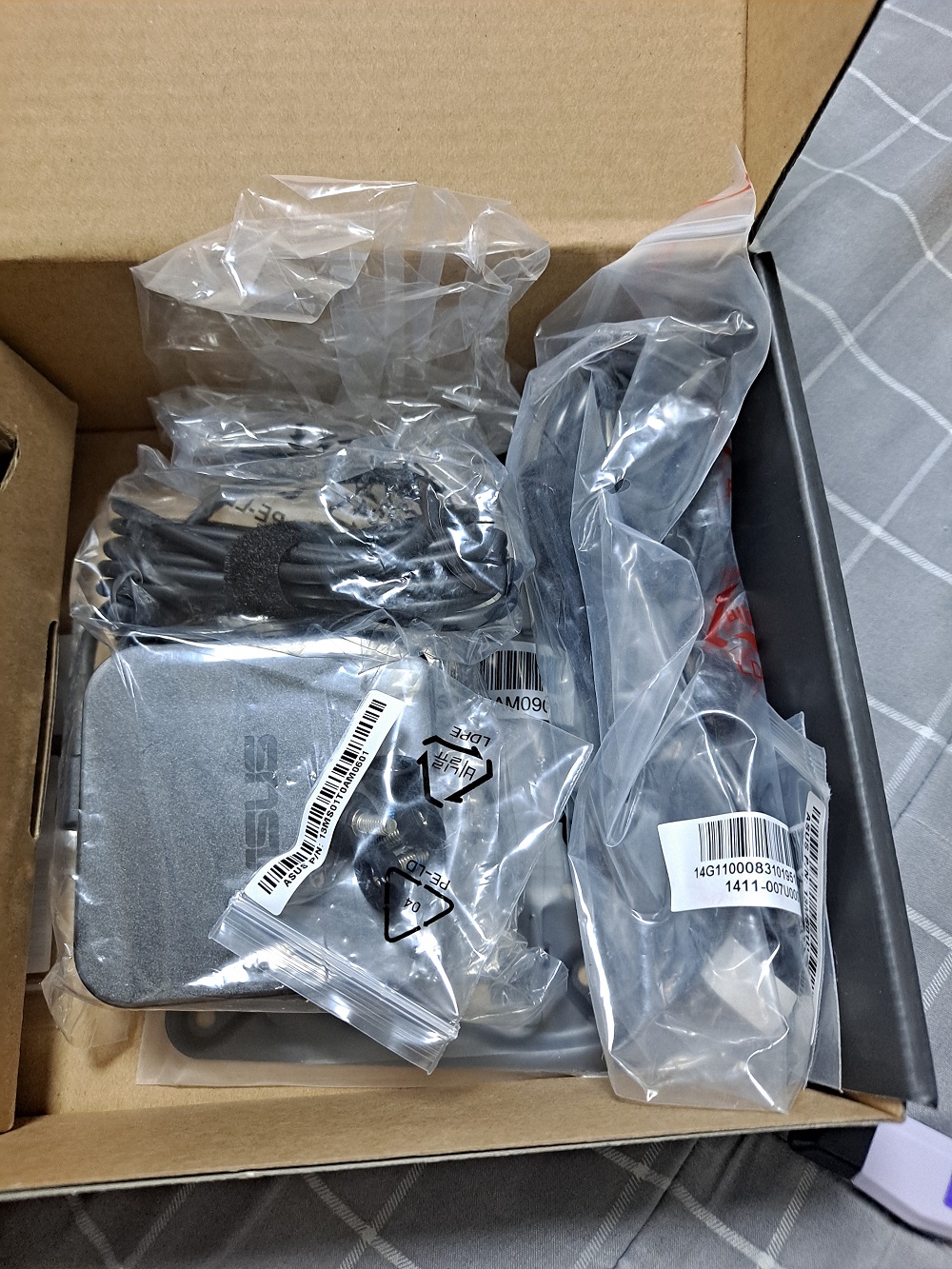
When I removed the cover over the compartment on the right, I found the power adapter along with a mount for attaching the unit to a wall. I planned to use it on top of my desk, so I did not use the mount.
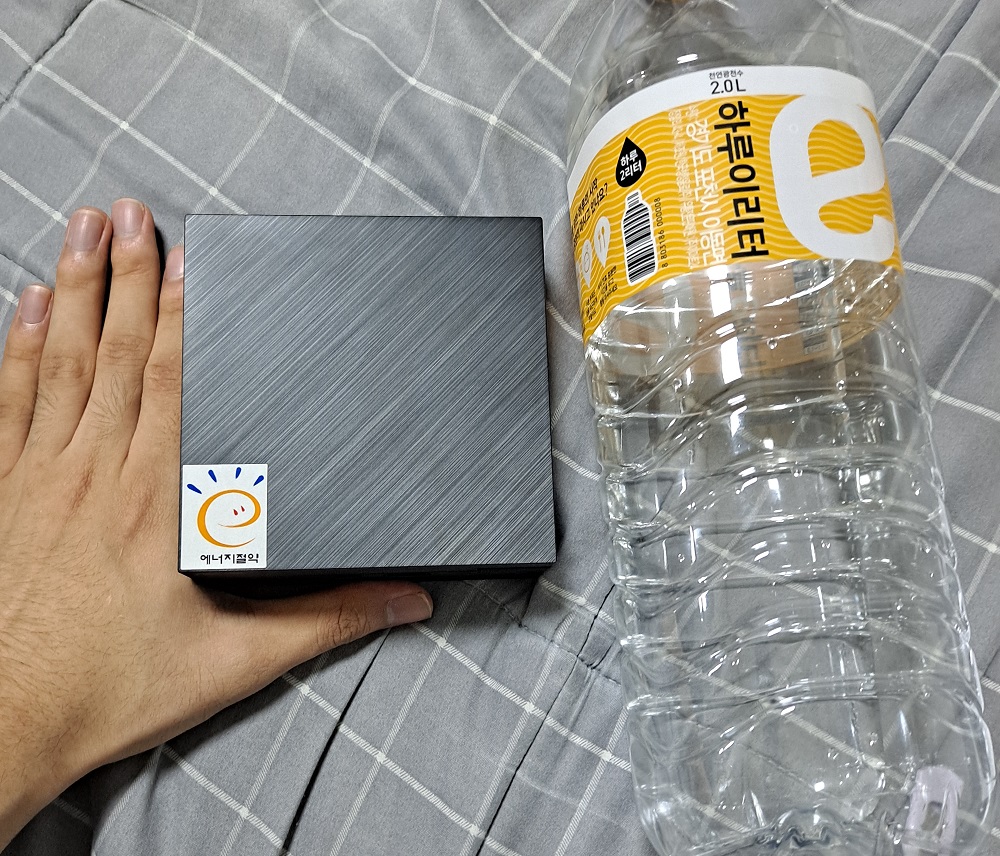
This is roughly how large the product is once unboxed. The energy-saving logo looks a little out of place. But since I bought this to use as a server, where power consumption matters, I actually liked it. It was also smaller than I had imagined.
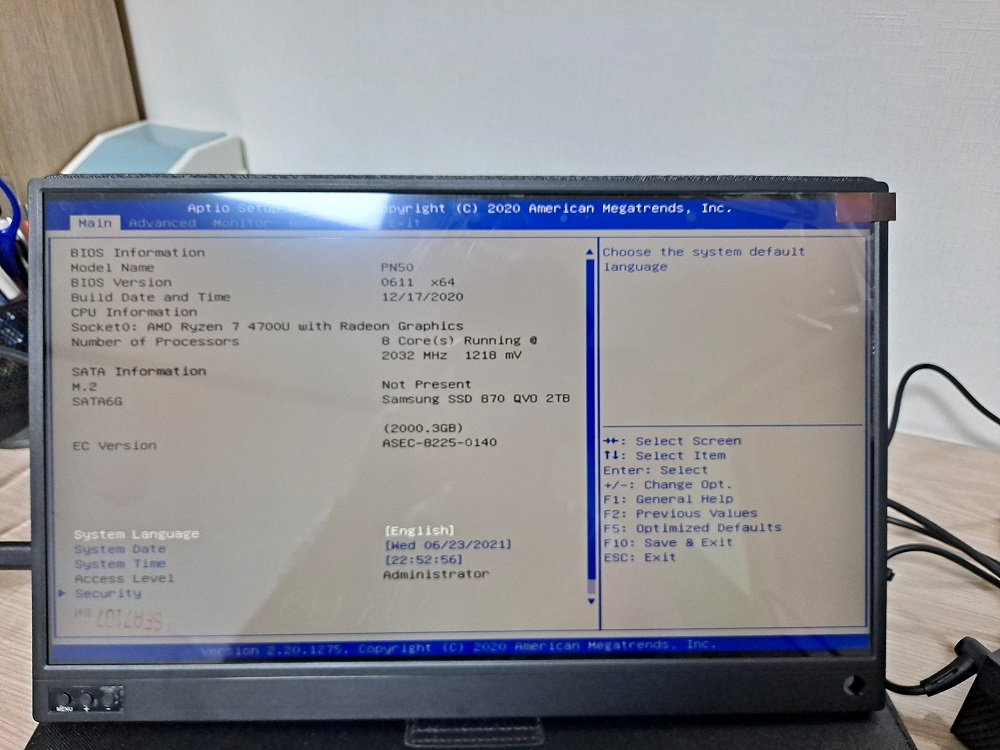
Since I purchased it without an operating system installed, the only thing that appeared when I turned it on was the BIOS screen. I installed Ubuntu Server 20.04, and for security, I plan to run it inside a virtual machine set up with Vagrant.
Impressions
To be honest, I have not done much with it yet, so there is not a great deal to say about using it. One extremely compelling advantage, though, is that it is incredibly quiet. To begin with, there are no physically moving parts inside other than the fan, and perhaps because it is a Ryzen system and does not generate much heat, the fan barely spins. Even when it does, it is not particularly loud. It is far quieter than the 2-bay external hard drive next to it, the refrigerator, or the air conditioner.